
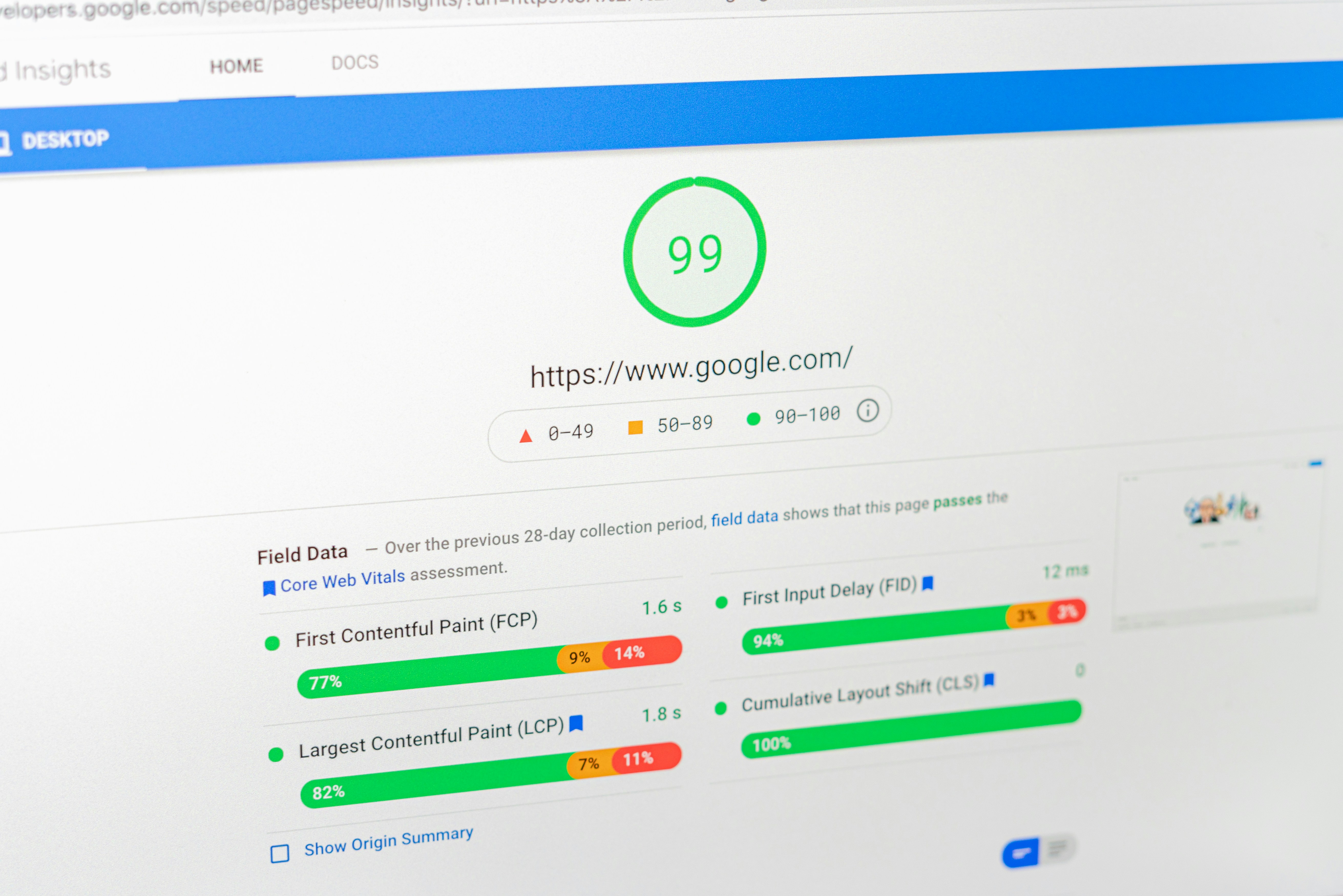
Understanding the Importance of Image Optimization
In the digital age, website performance significantly influences user engagement and retention. Among various factors affecting performance, image optimization emerges as a critical element. Unoptimized images can considerably slow down page load speeds, leading to a frustrating user experience. Studies have shown that users tend to abandon websites that take more than a few seconds to load. Thus, ensuring that images are optimized for web use can lead to improved loading times, effectively reducing bounce rates.
Moreover, faster loading images can enhance overall conversion rates. When potential customers encounter a website that is visually appealing and quickly accessible, they are more likely to browse products and services, ultimately leading to increased sales. Consequently, proper image optimization not only improves user experience but also positively impacts a website’s bottom line.
From an SEO perspective, image optimization is equally vital. Google incorporates various factors into its ranking algorithms, and the size and load time of images are among them. Websites that feature well-optimized images are often favored in search results, enhancing their visibility to search engine users. This correlation emphasizes the importance for website owners to focus on managing their image files effectively, ensuring that they do not compromise on quality while promoting faster load times.
In summary, optimizing images is essential for not only improving page speed but also for enhancing user experiences and boosting search engine rankings. By addressing the challenges associated with unoptimized images, website owners can create a more efficient and effective online presence, leading to higher engagement and satisfaction among visitors.
Choosing the Right Image Formats
In web design and digital content creation, selecting the appropriate image format is paramount for optimizing page speed and enhancing user experience. The choice of image format can significantly impact the loading time of a webpage, which in turn can influence search engine rankings and overall site performance.
Among the most commonly used formats are JPEG, PNG, GIF, and the newer WebP. JPEG is particularly favored for photographs due to its efficient compression, allowing for smaller file sizes while maintaining reasonable quality. However, it does not support transparency, which can be a limitation for specific visual designs.
PNG is another popular format known for its high quality and ability to support transparency. It is ideal for images with sharp edges, such as logos or illustrations, but it generally results in larger file sizes compared to JPEG. For animated images, GIF is often the go-to format, but it has a limited color palette and can quickly balloon in size if not carefully managed.
WebP is a modern format that offers both lossy and lossless compression, along with support for transparency and animations. It provides better compression rates than JPEG and PNG, making it a compelling option for optimizing image quality while keeping file sizes minimal, which is vital for page speed.
When choosing an image format, the key considerations should include the nature of the image, required quality, transparency needs, and the impact on loading times. Additionally, using tools for image compression can further enhance performance without sacrificing quality. By understanding the strengths and weaknesses of each format, webmasters can make informed decisions that improve both page speed and search engine optimization (SEO) efforts.
Techniques for Image Compression and Resizing
Image optimization is crucial for enhancing page speed and improving user experience on websites. Two predominant methods for image compression are lossy and lossless compression. Lossy compression reduces the file size by permanently removing some data, which can result in a decrease in image quality. This method is effective for larger files where a slight loss in detail may not significantly affect visual appeal, making it suitable for web images requiring fast loading times. On the other hand, lossless compression retains all image data, allowing for minimal quality degradation, ideal for images needing high fidelity such as logos or professional photography.
Numerous tools are available for users to employ these compression techniques. Online platforms such as TinyPNG and JPEGmini facilitate easy and efficient image compression without requiring technical skills. Software solutions like Adobe Photoshop and GIMP offer advanced features for more tailored optimization, allowing users to fine-tune settings to achieve an ideal balance between quality and file size. Incorporating these tools can significantly enhance the loading speed of web pages while maintaining visual quality.
Resizing images according to responsive design principles is another essential practice in image optimization. Assessing the appropriate size dimension involves considering multiple device types and screen resolutions. A smaller image might be sufficient for mobile devices, while higher resolution images may be necessary for desktop viewing. This strategy not only improves user engagement but also reduces unnecessary data usage.
To maintain visual quality while implementing optimizations, it is advisable to utilize formats designed for specific purposes; for example, using PNG for images requiring transparency and JPEG for photographs. Additionally, adhering to best practices, such as previewing images post-compression to ensure quality remains intact, can further enhance the effectiveness of image compression and resizing efforts. Implementing these techniques will contribute significantly to optimizing images, thereby improving page speed and overall website performance.
Leveraging HTML and Advanced Optimization Techniques
Optimizing images for web performance and search engine rankings requires a multifaceted approach. One significant method involves using responsive images with the ‘srcset’ attribute. This allows web developers to serve different image sizes based on the user’s screen size and resolution, ensuring that devices only download the most appropriate file. This technique not only enhances user experience by reducing load times on mobile devices but also contributes to overall page speed optimization, which is a crucial ranking factor for Google.
Another essential practice is to implement lazy loading for images. This technique defers the loading of non-visible images until they are required, effectively reducing initial load times. By only loading images that are in the viewport, websites can significantly decrease the total number of requests at page load, further optimizing performance. Pairing lazy loading with other methods of image optimization, such as compressing images and using the correct file formats, amplifies the benefits and can lead to better performance metrics.
In addition to these techniques, providing descriptive alt text for images plays a dual role in both accessibility and SEO. It allows search engines to better understand the content of images while making your website more user-friendly for individuals with visual impairments. Alt text can also provide contextual information that may aid in organic ranking if properly integrated with relevant keywords.
Finally, utilizing Content Delivery Networks (CDNs) to distribute image files can expedite the loading process regardless of the user’s geographic location. CDNs cache images across various server locations, minimizing latencies and ensuring faster delivery. When used in conjunction with responsive images, lazy loading, and well-optimized alt text, CDN usage forms a comprehensive strategy for image optimization, enhancing page speed and maximizing visibility in Google Search.

Leave a Reply